

Indie developers spend months building features and minutes writing documentation. Then they wonder why people install the app, get stuck, and leave.
I've been a technical writer for more than 15 years. I've written user guides, designed help portals and organised large content libraries for start-ups and big enterprises. So when I built Cutgenie, I treated the docs as part of the product from day one.
Here's why that matters, and how I did it.
Docs are a feature
People rarely read documentation for fun. They read it when they're stuck, frustrated, or about to give up. That's the moment your app either keeps a user or loses one.
Good docs:
- Reduce support: every clear answer is a question you don't have to reply to
- Increase adoption: people use features they understand
- Build trust: careful docs signal a careful product
- Help search: well-structured pages bring new users from Google
For a free, open-source app with no support team, documentation is the support team.
What is docs-as-code?
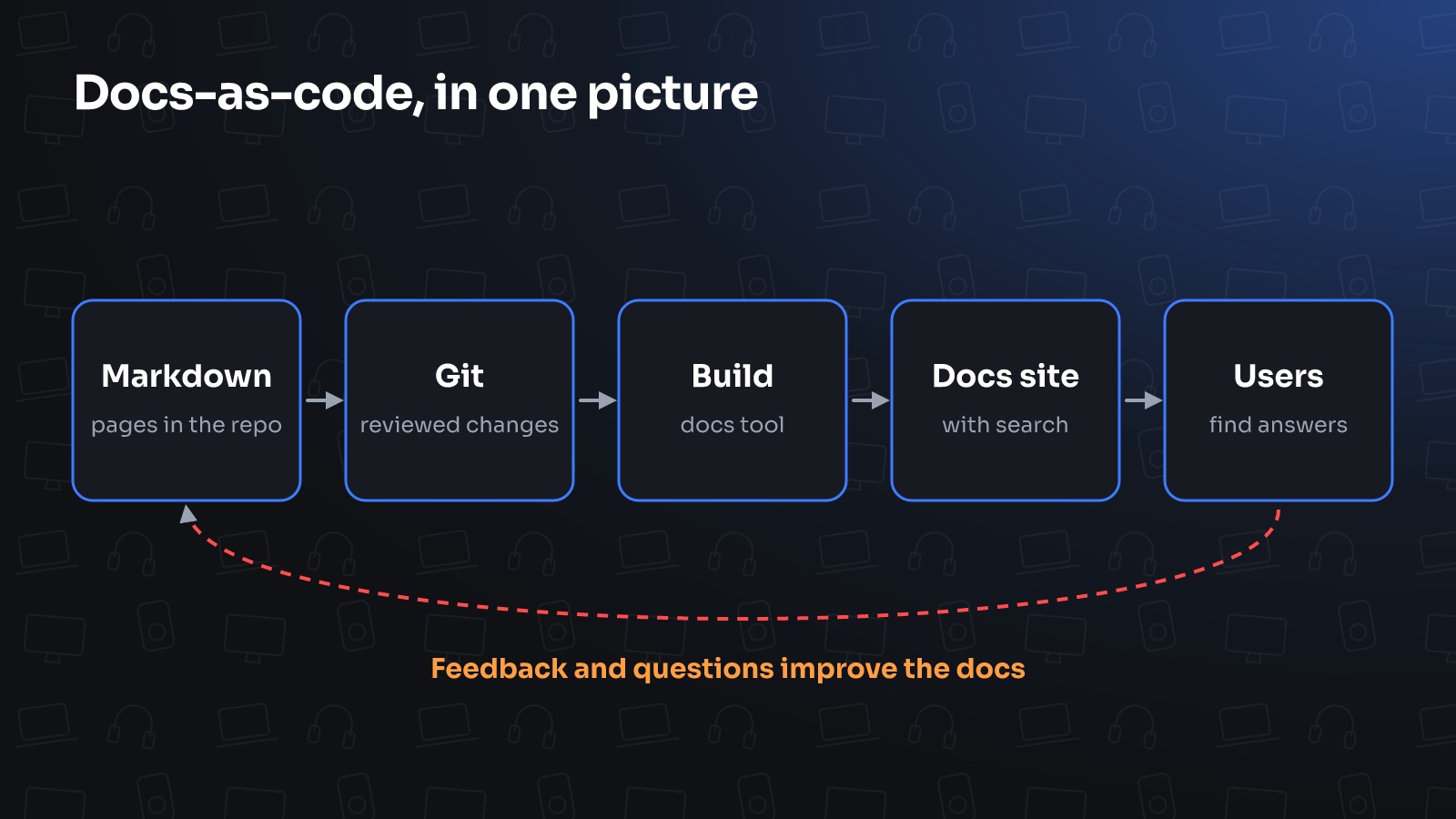
Docs-as-code means treating documentation the way developers treat code:
- Docs are written in plain text files (usually Markdown) and live in the same repository as the app
- Changes go through version control, so you can see what changed and why
- A tool turns those files into a website, automatically
- Docs are updated with the feature, not months later
For a small team, or a team of one, it's a practical way to keep docs accurate without a separate content system.
How Cutgenie's docs are built
Cutgenie's guide lives in the same repository as the app. Each page is a Markdown file, and the docs site is built with Docusaurus, a popular open-source documentation tool. It has offline search, so people can find answers without anything leaving their computer.
But the tools are the easy part. The decisions are what make docs good.
Decision 1: Write for people who have never edited a video
The opening line of the guide says it plainly: you don't need to know anything about video editing to start. Every term, like clip, project, timeline and export, is explained the first time it appears.
Experts skim. Beginners read. Writing for beginners helps both.
Decision 2: One page, one job
Each page answers one question and takes a few minutes: Install Cutgenie. Add clips to the timeline. Make it as loud as YouTube videos. No page tries to teach everything.
Short, focused pages are easier to find, easier to follow, and easier to keep up to date.
Decision 3: Organise by what people want to do
The guide is grouped into chapters that match how people think about editing: getting started, the interface, projects, importing, editing basics, picture, colour, graphics, sound, exporting, shortcuts, editing with Claude, and reference.
Nobody searches for "the inspector panel". They search for "how to fix a dark clip". So pages are named after tasks, not features.
Decision 4: Give every page a next step
Every page ends with a link to the logical next page. A beginner can read the getting-started chapter in order like a short course; an expert can jump straight to what they need.
Decision 5: Show, then explain
Screenshots show what the screen should look like. Steps say exactly what to click. Explanations come after, for people who want to understand why.
Decision 6: Write the safety rules where people need them
Because Cutgenie can be driven by an AI assistant, the docs include a clear page on what Claude will and won't do: it never changes your original recordings, and it saves a version before every skill. Trust is built by being upfront about limits.
A simple checklist for your app's docs
You don't need a big budget to do this well. Start with:
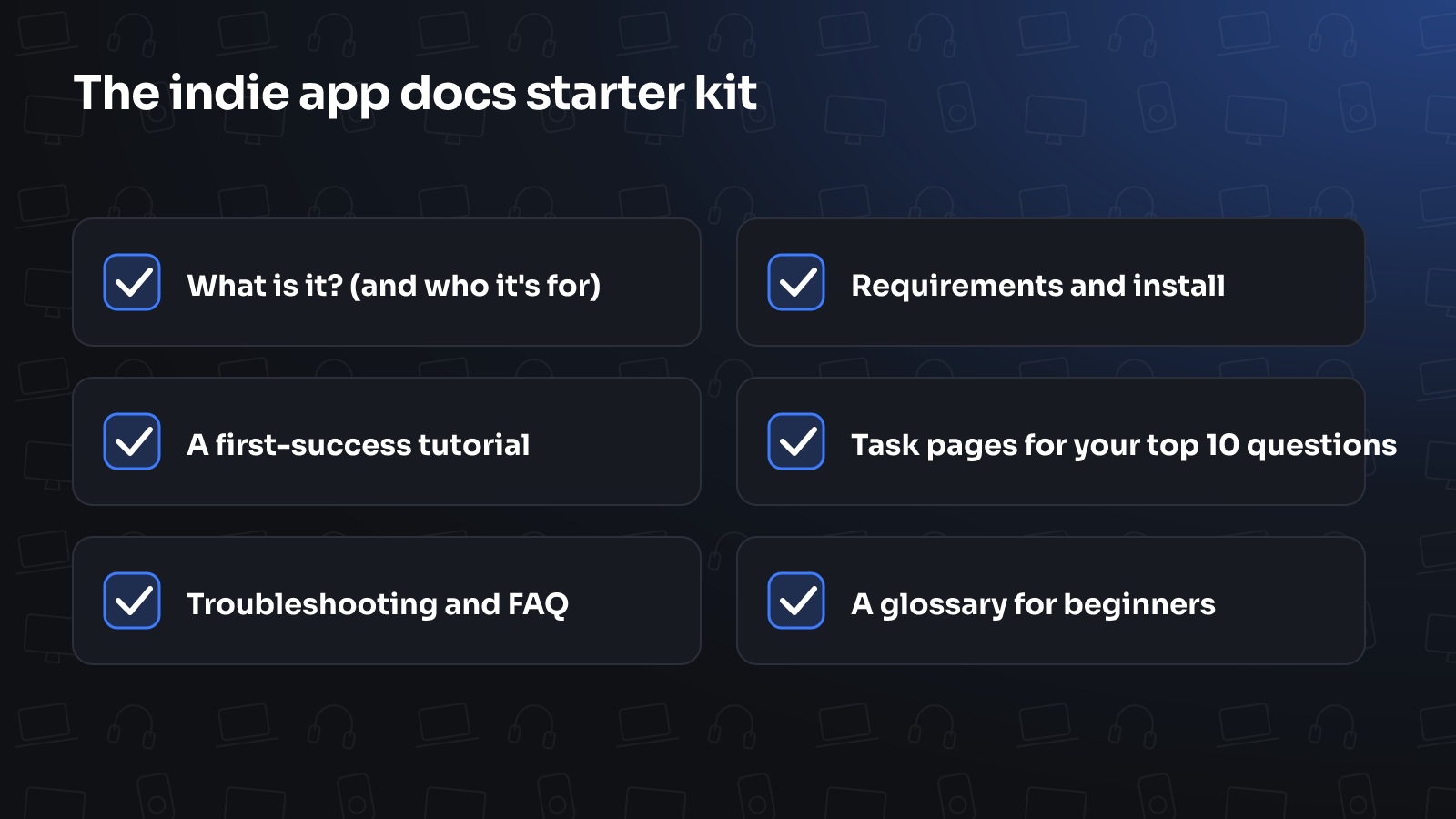
- A "what is it?" page: what your app does, and who it's for, in plain words
- Requirements and install: exactly what people need, step by step
- A first-success tutorial: the shortest path to one real result
- Task pages for your top 10 questions: one task per page
- Troubleshooting and FAQ: the answers you keep typing in support messages
- A glossary: every term a beginner might trip over
Write them in Markdown next to your code, publish them with a docs tool, and update them in the same change as the feature.
How to tell if your docs are working
Docs aren't "done" when they're published. They're done when people succeed with them. A few simple signals tell you how you're doing:
- Repeated questions: if the same question keeps arriving by email, in comments or in issues, the answer is either missing or hard to find. Write a page, or move the existing one somewhere more obvious.
- Search terms: if your docs site has search, the words people type are a gift. They tell you exactly what people need, in their language, which is often different from yours.
- Drop-off points: if new users reliably get stuck at the same step of setup, that page needs work, a screenshot, or a warning.
- Feedback on the page itself: even a simple "Was this helpful?" link gives you a steady stream of honest reviews.
You don't need fancy analytics. Read your support messages with one question in mind: which page should have answered this?
Mistakes indie developers make with docs
After years of reviewing documentation, I see the same mistakes again and again:
- Writing for themselves. The developer knows every corner of the app, so the docs skip the steps that feel obvious. They aren't obvious to anyone else.
- Describing the interface instead of the task. "The Export panel contains format options" is a tour. "Export your video for YouTube" is help.
- One giant page. A single long README is better than nothing, but people can't find anything in it. Split it into short task pages.
- No screenshots, or out-of-date ones. A screenshot that no longer matches the app causes more confusion than no screenshot at all.
- Docs that lag behind releases. When a feature changes and the docs don't, trust drops fast. Update them in the same change as the code.
- Hiding the limits. Users forgive limitations they were told about. They don't forgive surprises.
Fixing even two of these will make your docs noticeably better.
AI makes good docs even more important
There's a new reason to care about documentation: AI assistants read it too. When someone asks an assistant how to use your app, clear and well-structured docs mean better answers.
And if your app works with AI, like Cutgenie does, your instructions for the AI are documentation as well. The same principles apply: clear steps, explicit limits, concrete examples and a definition of done.
The bottom line
Your app is only as good as a new user's first ten minutes with it. Documentation decides how those minutes go.
If you're building something small and independent, write the docs like they're a feature, because they are.


